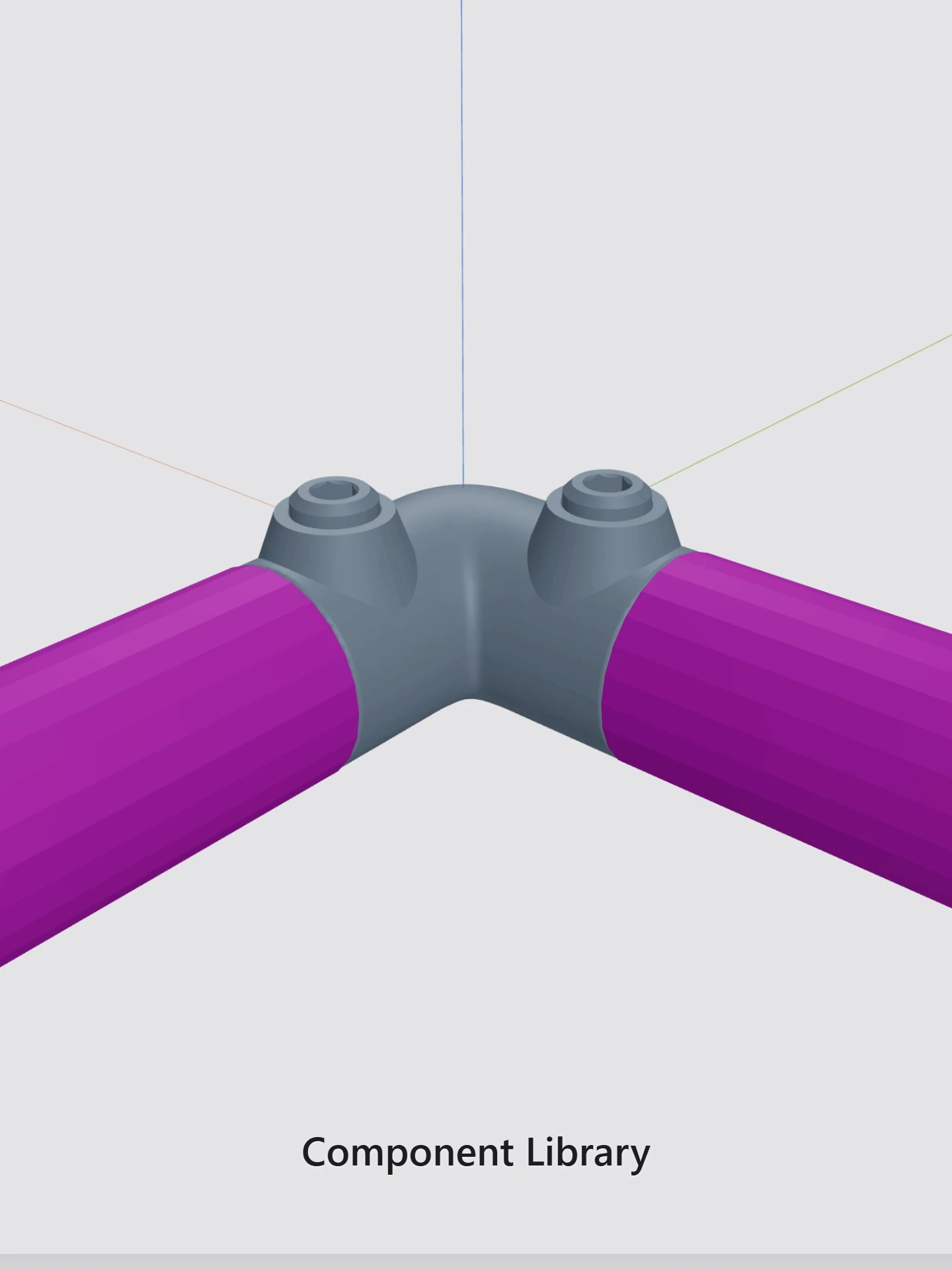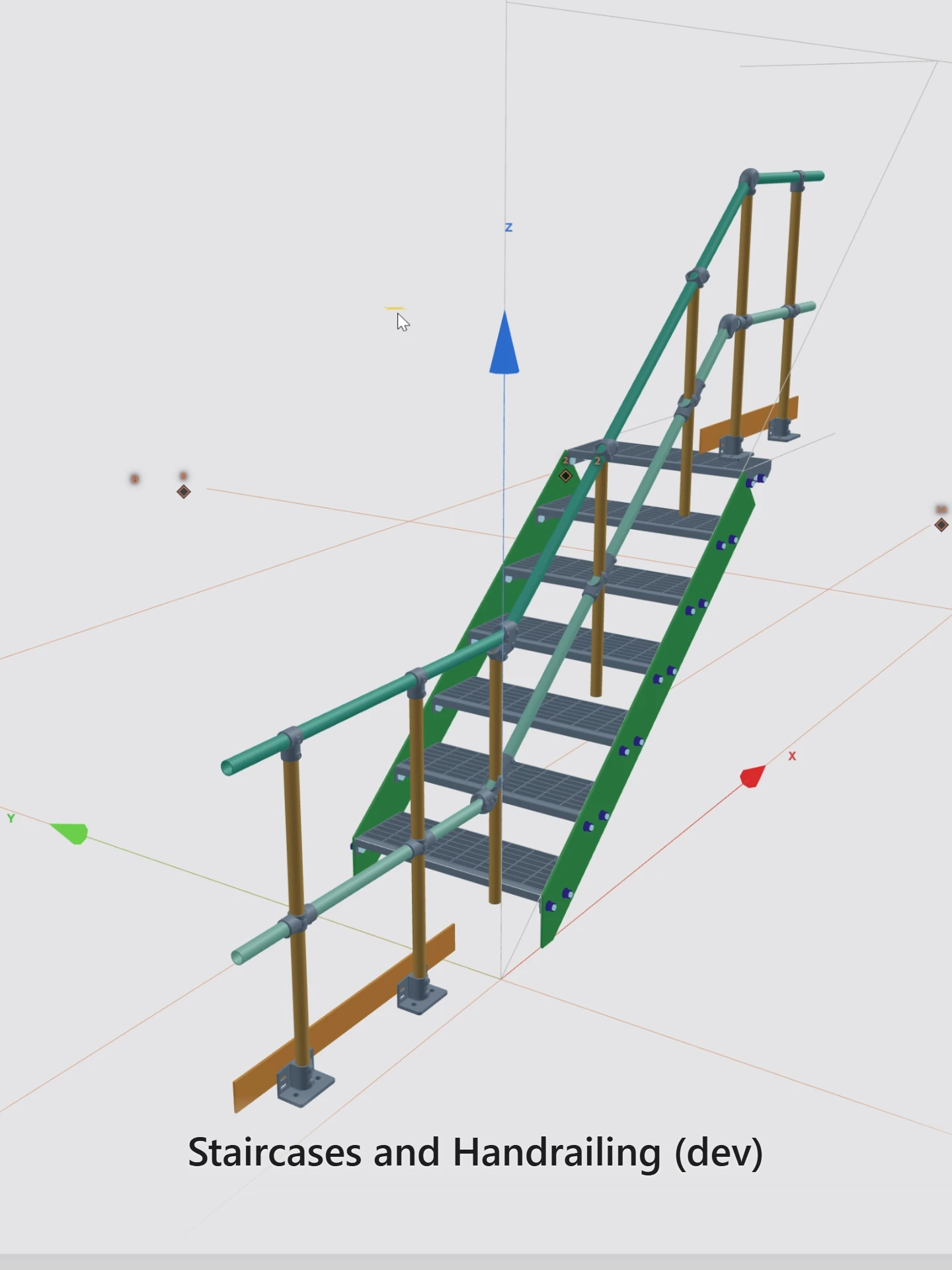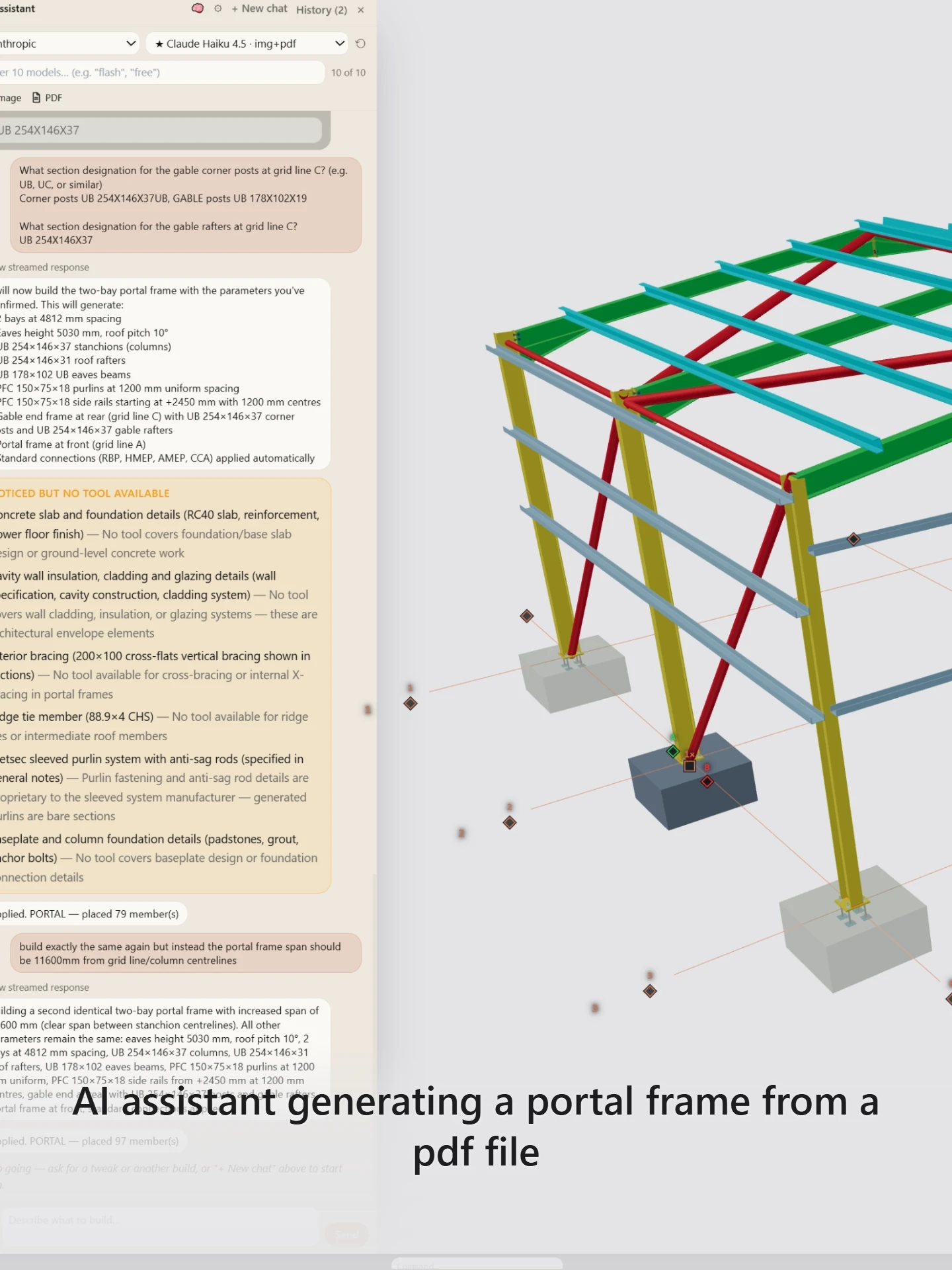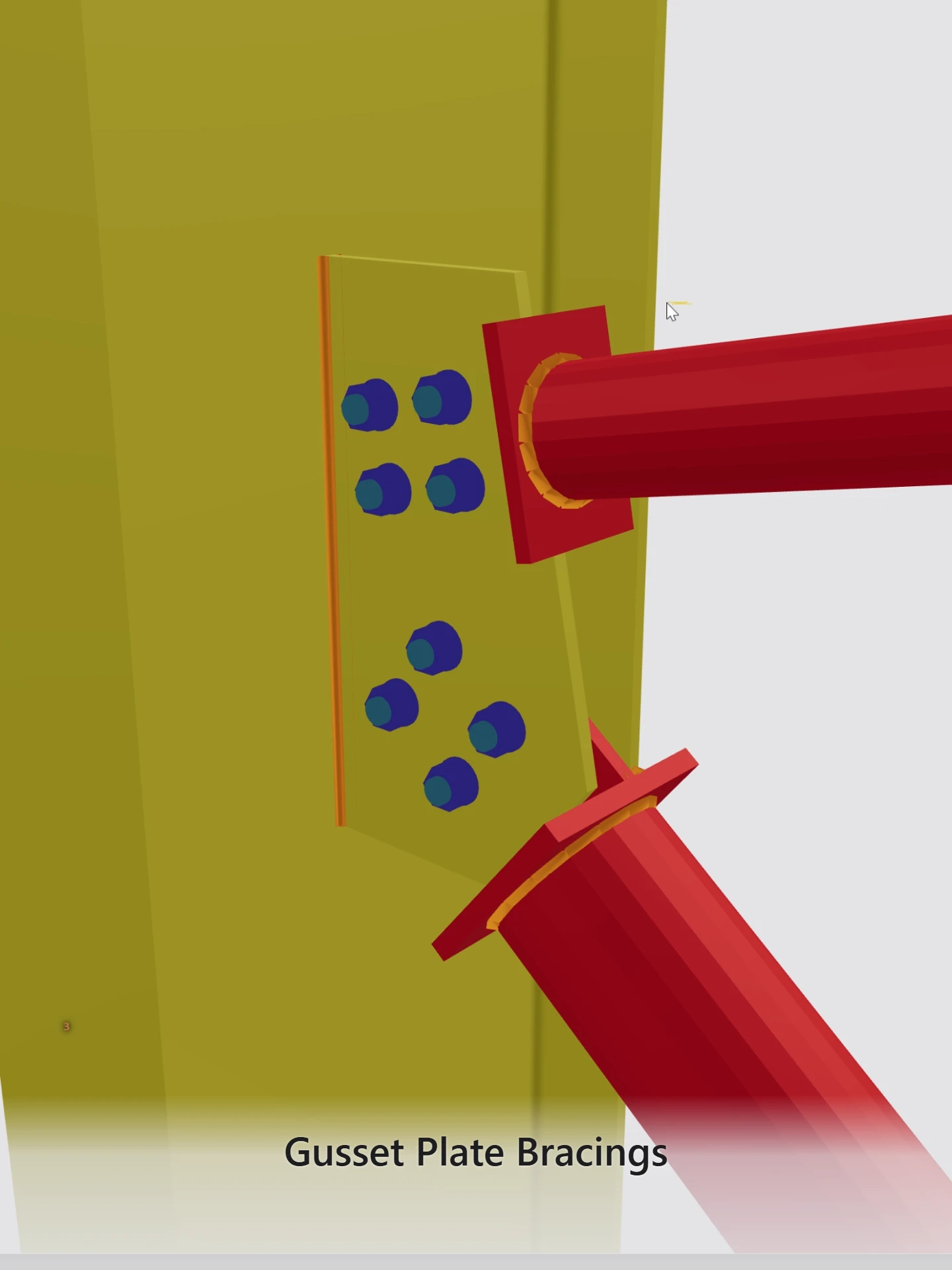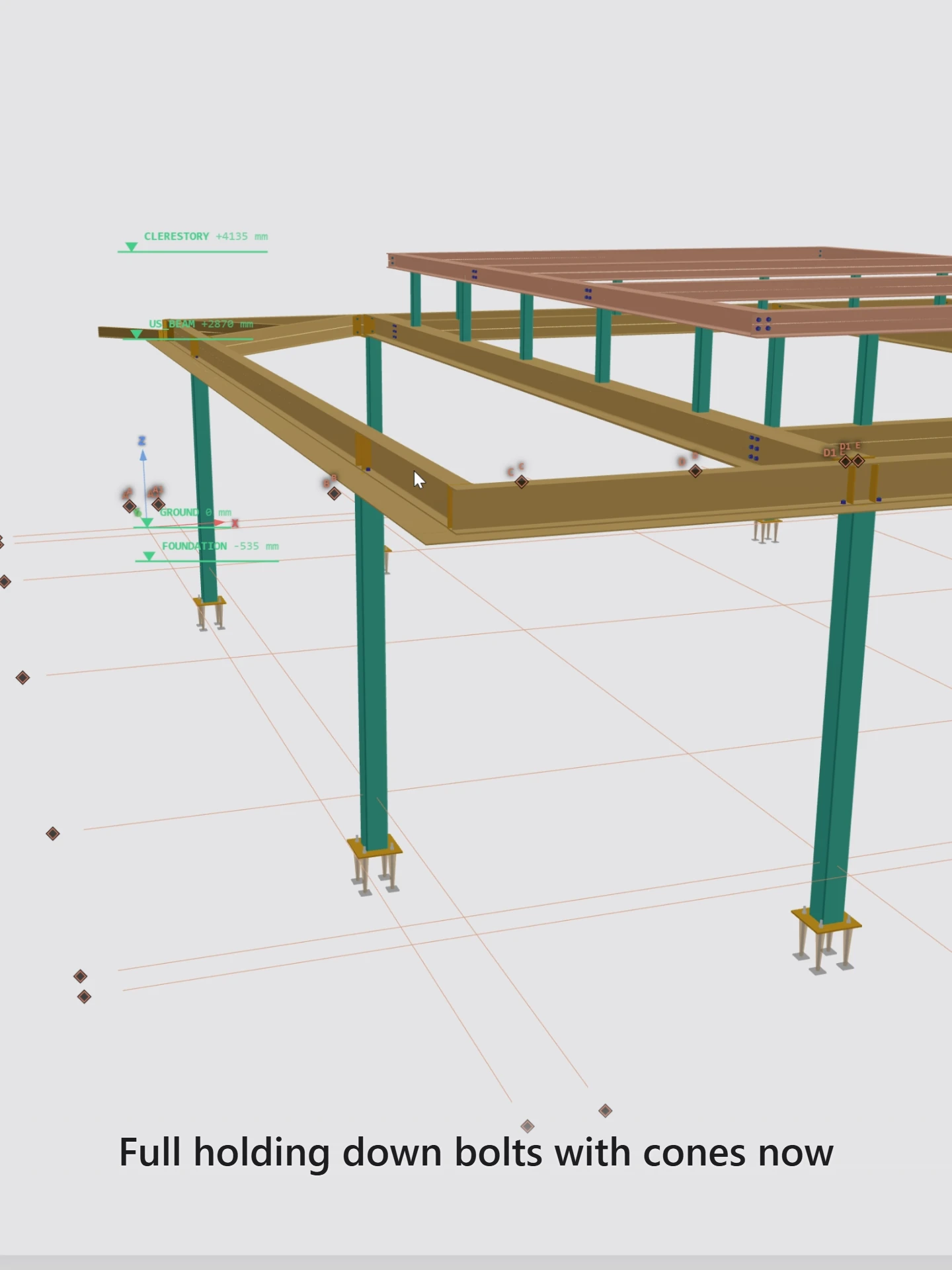
An ongoing build

A full steel detailing system — not a viewer, not a sketch canvas.

GoModl is under active construction — a cloud-native alternative to traditional steelwork detailing software, so it opens in your browser rather than on a workstation. For detailers that live on portals, beam and column, mezzanines, platforms, handrails and similar work. Geometry, IFC output, and detailing depth come first.

Directly from the modelling surface

Built for the detailer, shared by link with everyone else on the job.
Why leave the Windows workstation behind?

Traditional detailing packages assume a licensed Windows box per seat. That model made sense in 2005. Collaboration, remote review, site feedback and shop-floor access do not. Cloud native just means gomodl runs in your browser, so the model is wherever you log in rather than on one workstation under one desk.

Typical desktop stack

Desktop licence locked to a Windows PC

gomodl

Open the model on any modern browser — office, site, or home

Typical desktop stack

Heavy installs and version lock-in

gomodl

Always the latest build. No IT ticket to try a new feature

Typical desktop stack

Drawings emailed round as attachments

gomodl

Share a frozen revision by link — the engineer, client or shop opens it in 3D with nothing to install

Typical desktop stack

Enterprise pricing for every seat

gomodl

A monthly seat priced for jobs up to 250 members, not megaproject campuses

Depth across the detailing stack

Modelling, connections, drawings, IFC, and revision tools — each built as part of one graph, not bolted onto a viewer.

Full feature list →

Professional CAD feel

Command bar, snaps, ghost previews, orthographic views, undo — the muscle memory detailers already have, in a browser tab.

IFC as source of truth

Models live as IFC4 ADD2. Save and load the same STEP file you hand to BIMvision, Navisworks, or Autodesk Viewer, or bring another package’s IFC geometry in to check and build on. No proprietary silo.

Real section libraries

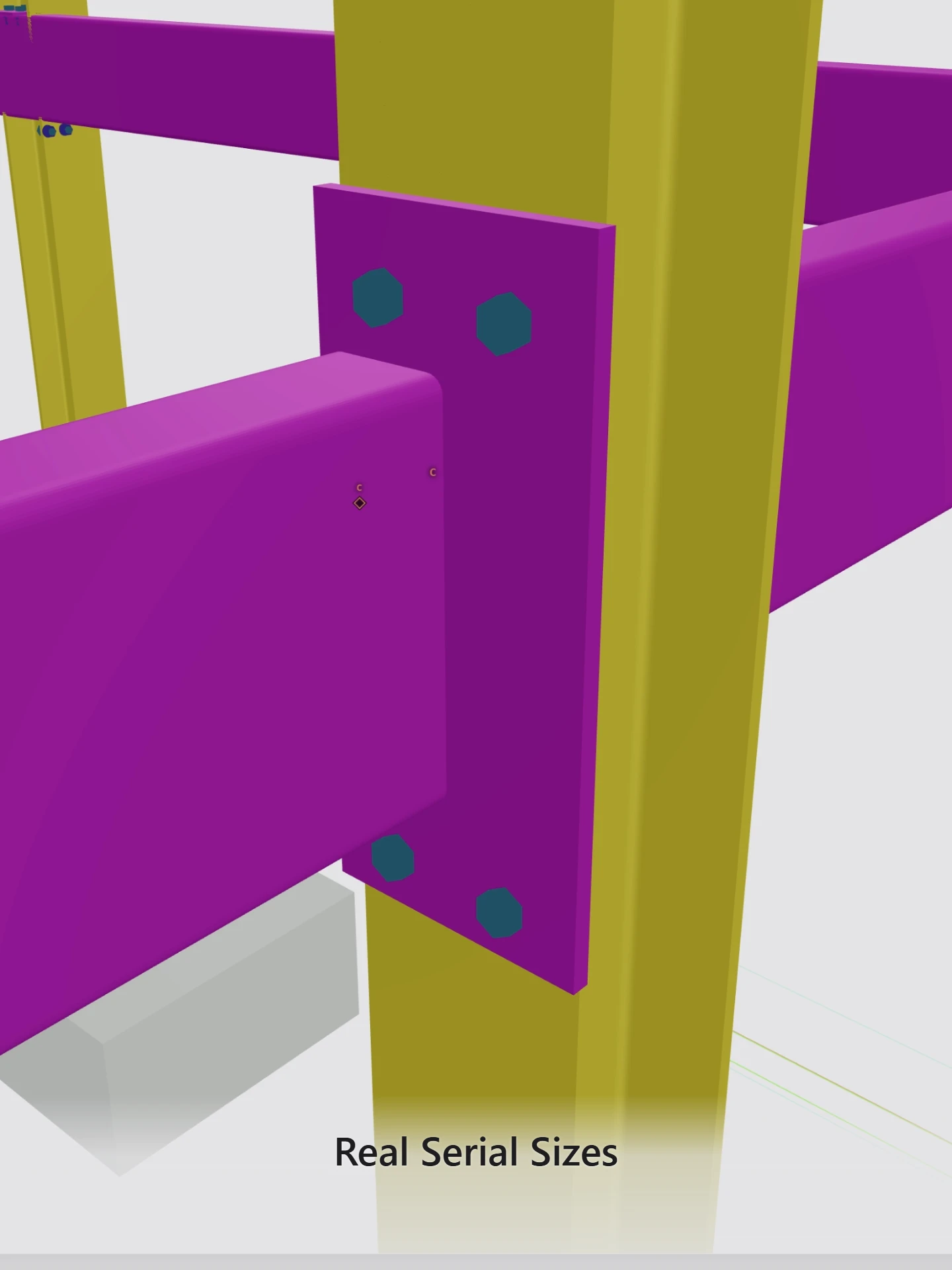
British hot-rolled and hollow sections, plus European, Australian and US families, and your own custom profiles — dimensional data from the standards, extruded as real solids, not decorative tubes.

Connections that generate geometry

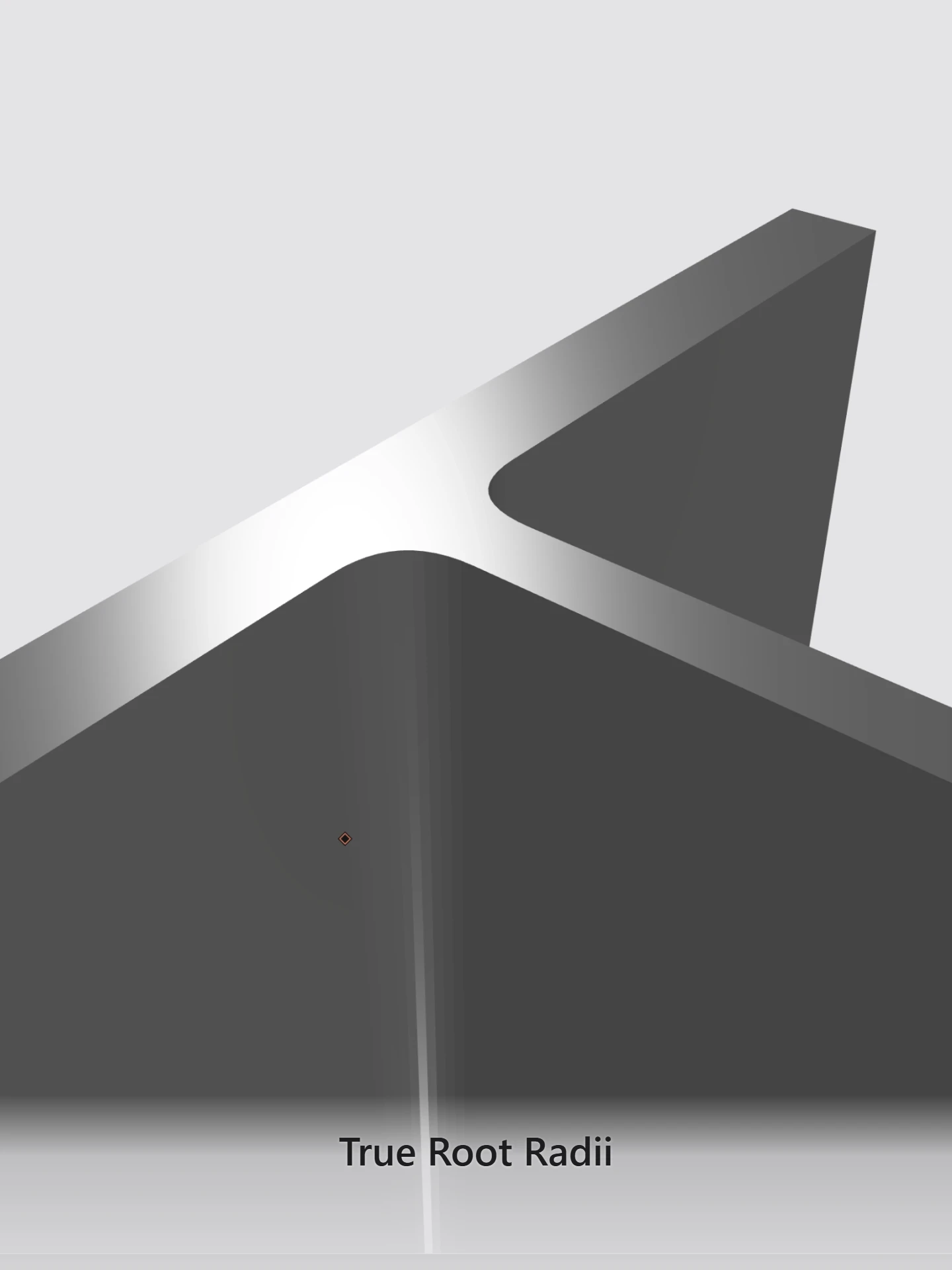
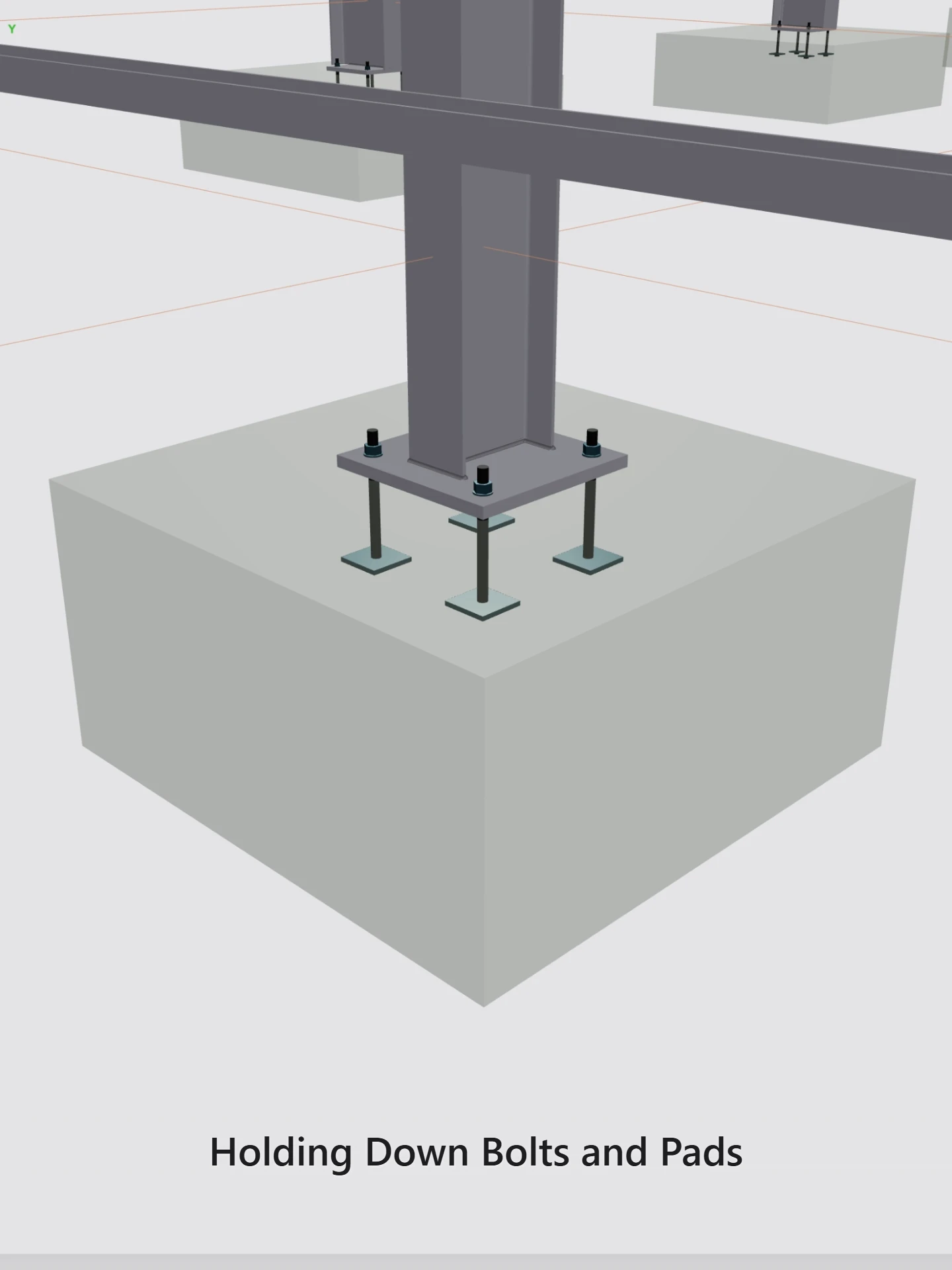
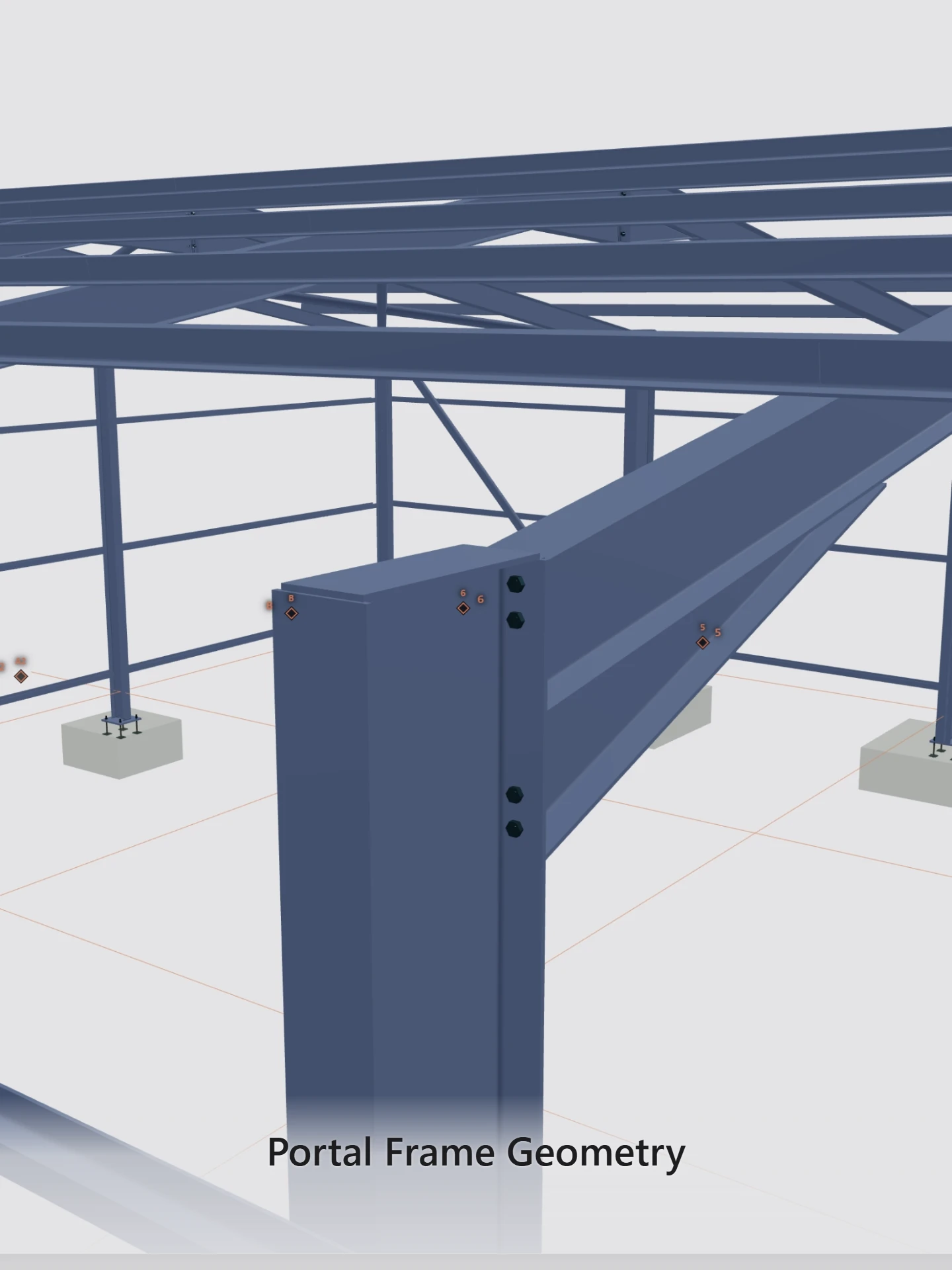
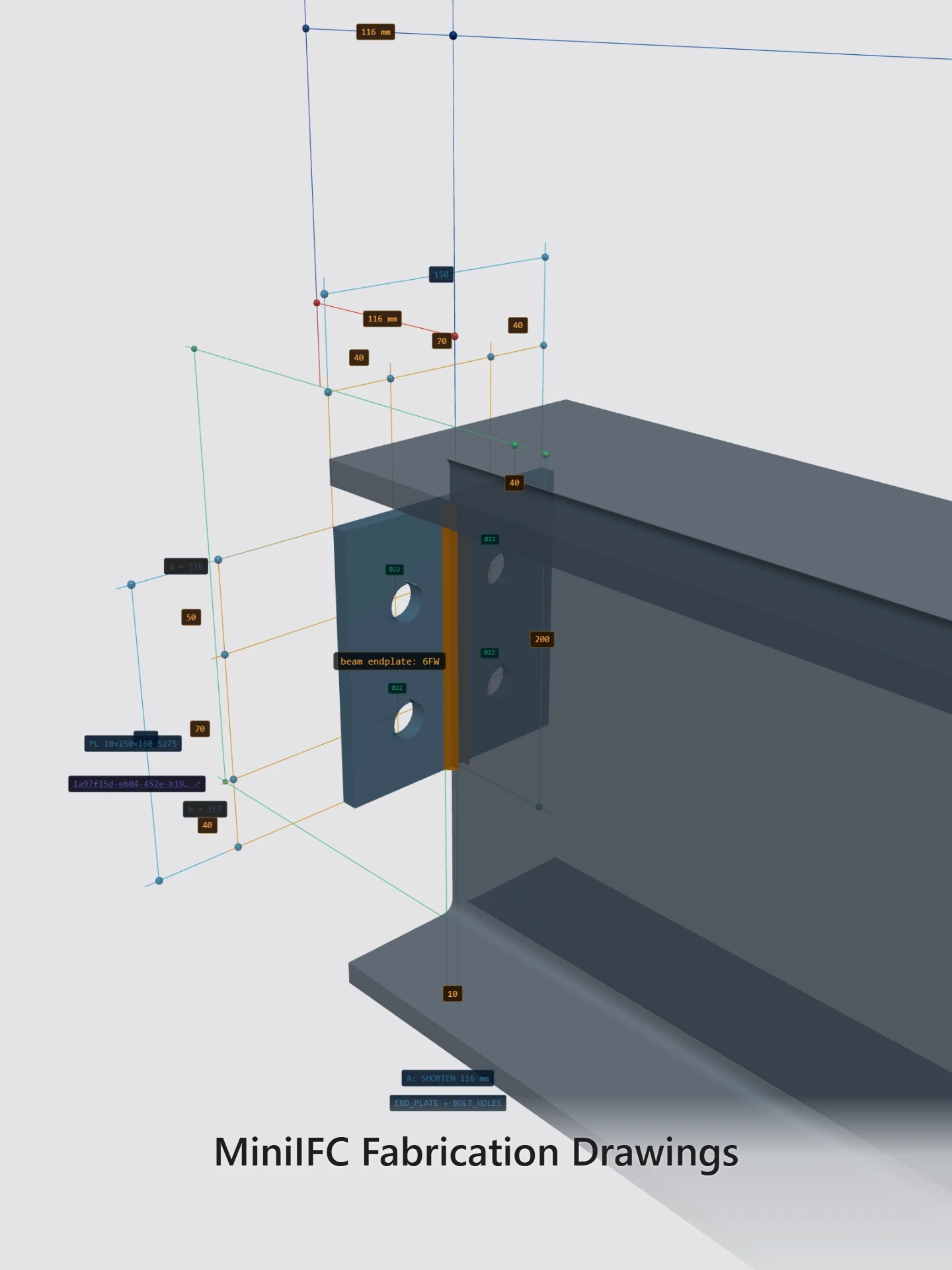
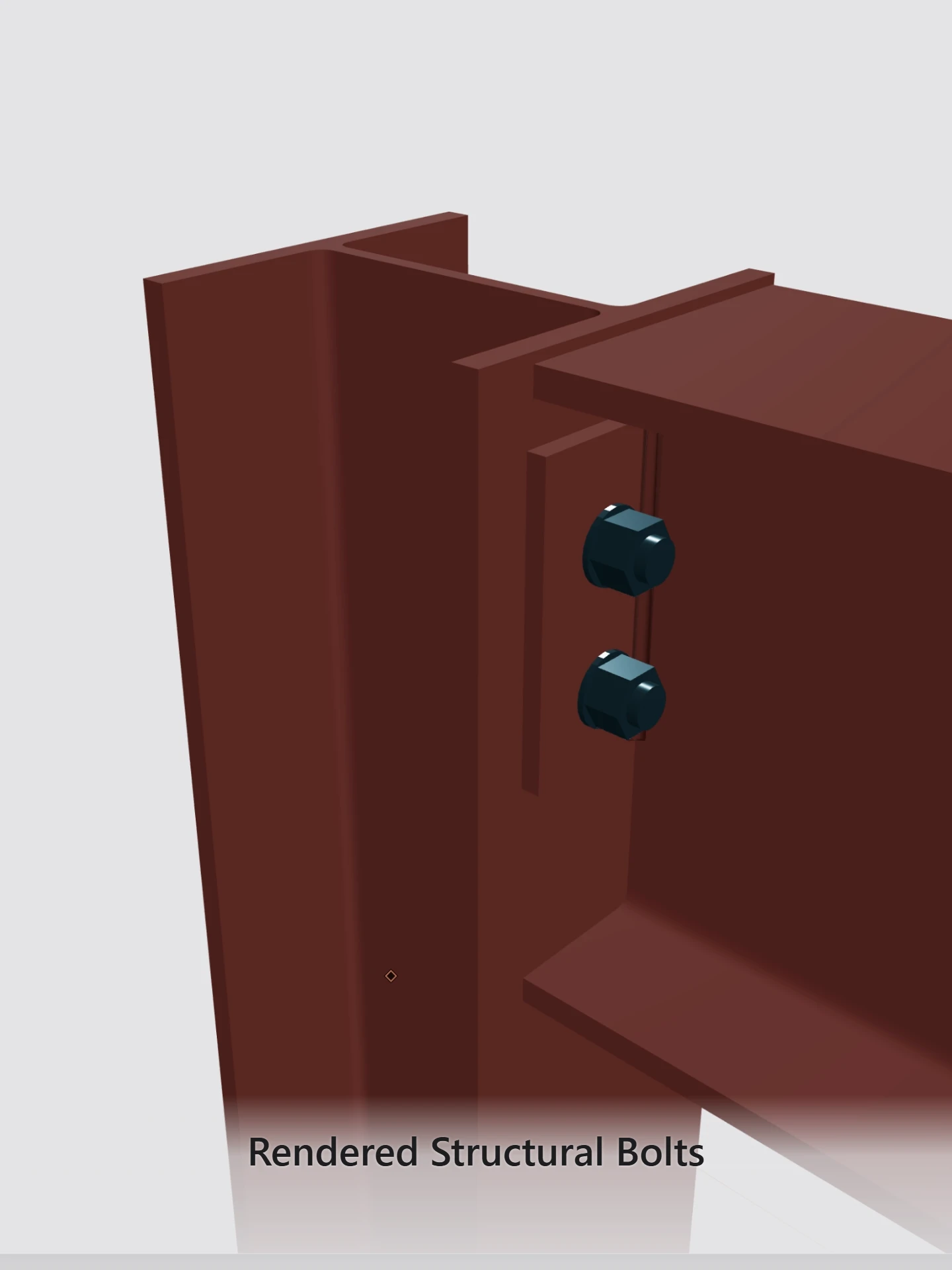
Column base plates, eaves and apex haunch joints, flexible end plates, twin web cleats and fin plates (set out to SCI P212 and P358), gusset bracing, stiffeners, shelf angles and more — macros that place plates, bolts and welds in the model, visible immediately in 3D.

Drawings from the model

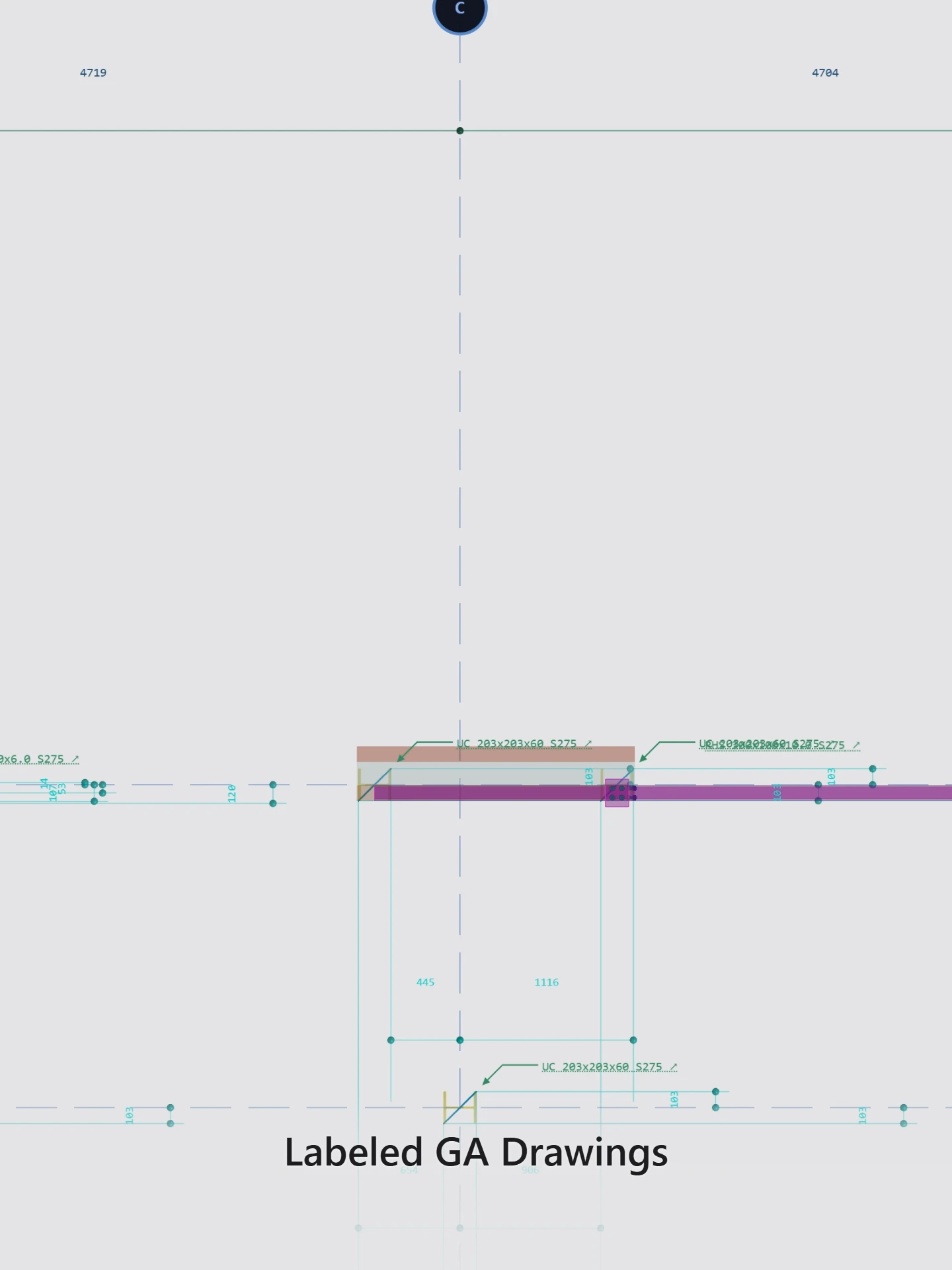
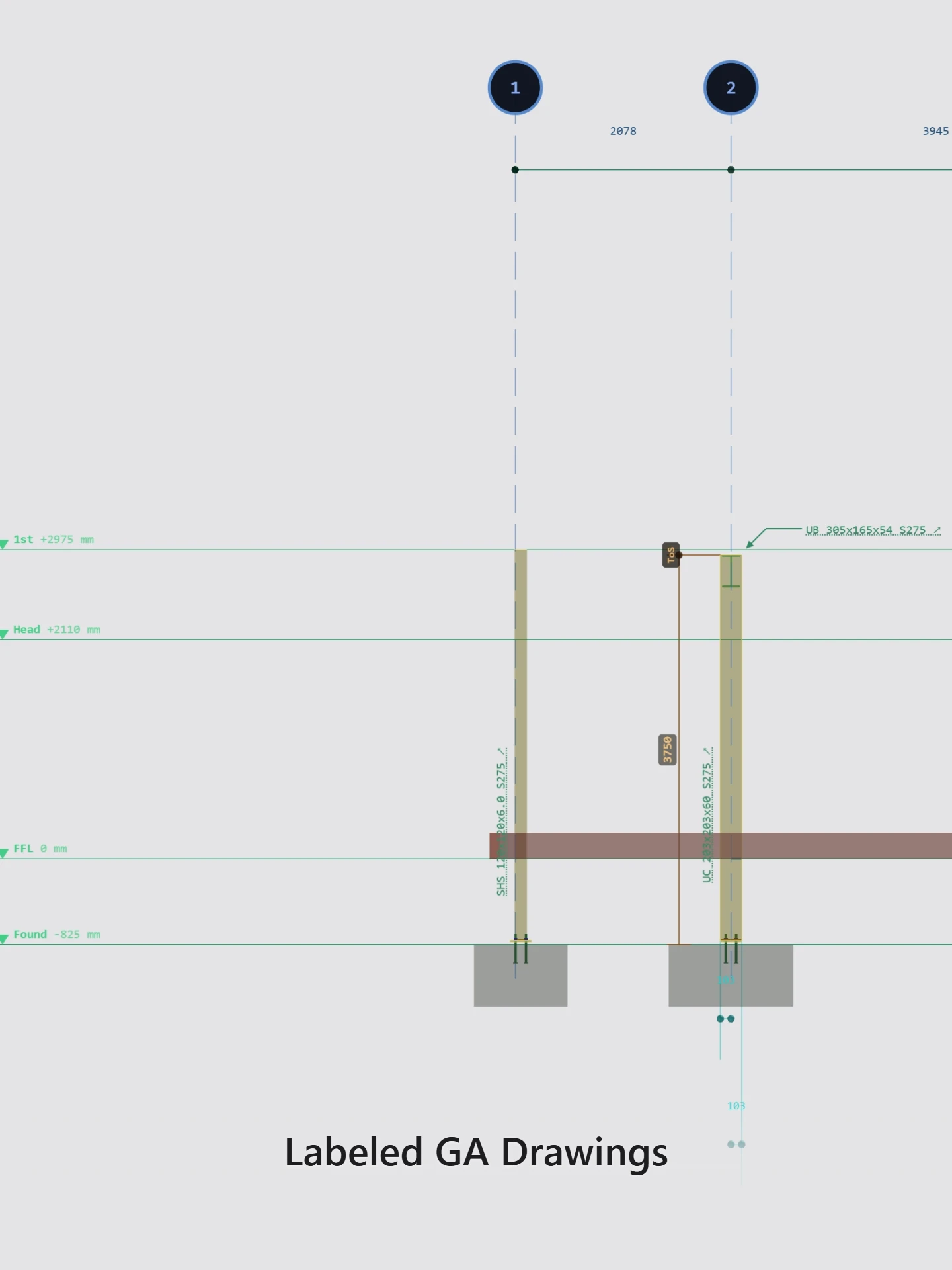
Fabrication, fitting, shop-assembly and GA sheets as PDF, SVG and IFC, GA DXF, and NC1 files for the CNC line. If it is not in the model, it does not appear on the sheet. Freeze a revision when it is ready to issue.

AI takeoff you check

Attach the engineer’s beam schedule or a sketch. The assistant reads it into a table for you to confirm, then places each member at points you pick. Nothing reaches the model until you say so, and one undo takes it all back.

Project backup

The whole project in one .gomodl file.

The model is already a standard IFC file, so a backup is mostly that. A .gomodl file wraps it with the small amount gomodl keeps alongside: the project’s name and details, its model settings and its connection configurations. Export one from the project list and keep it wherever you keep your job files.

  • The saved model — the same IFC4 file you would hand to any viewer.
  • Project and configs — name, project details, model settings, and the connection configurations set up for this job.
  • Every frozen revision — each issue’s model and the sheet settings it went out with, so restored drawings print as they were issued.
  • The library entries it uses — the bolt, weld and wall configurations and custom sections the model calls for.
  • Restored as a new project — every file is checksummed, nothing existing is overwritten, and restored revisions stay private until you share them again.

Public gallery

Open a real freeze. No account required.

Models set to Public in the Freeze menu are listed at app.gomodl.com/gallery — searchable by project, contract, client or company. Click through to the frozen 3D model the same way a client would.

Browse the gallery →

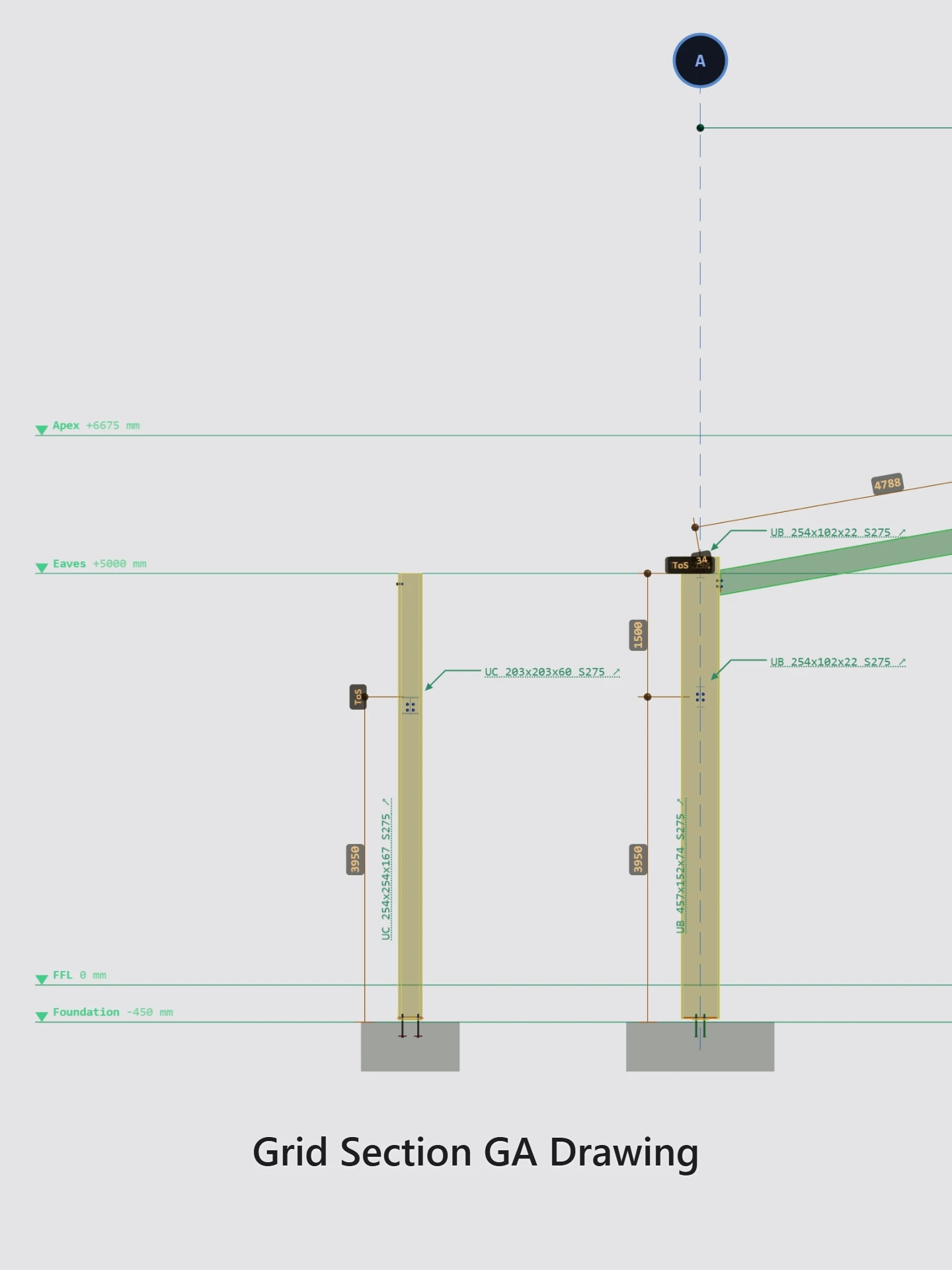
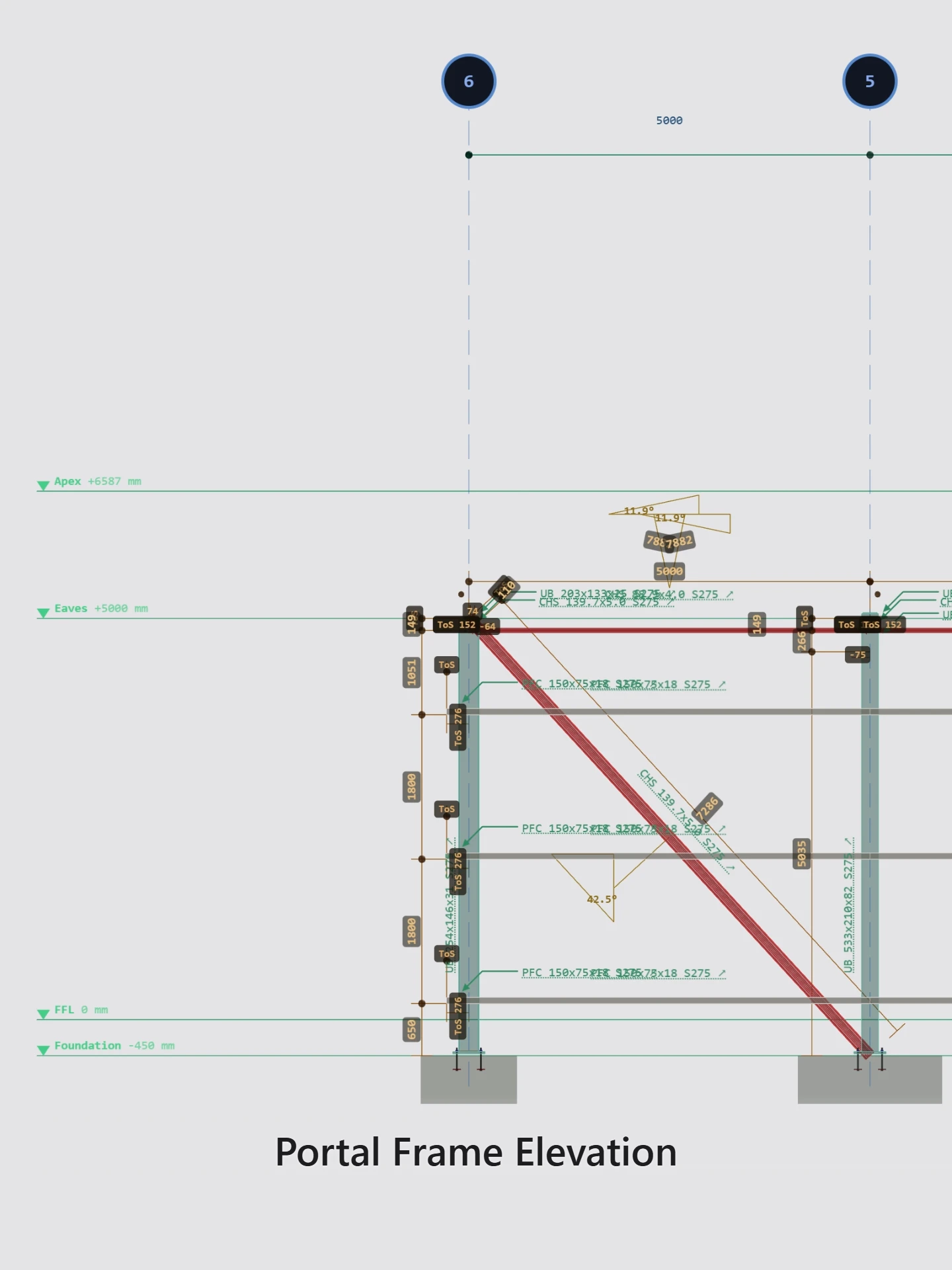
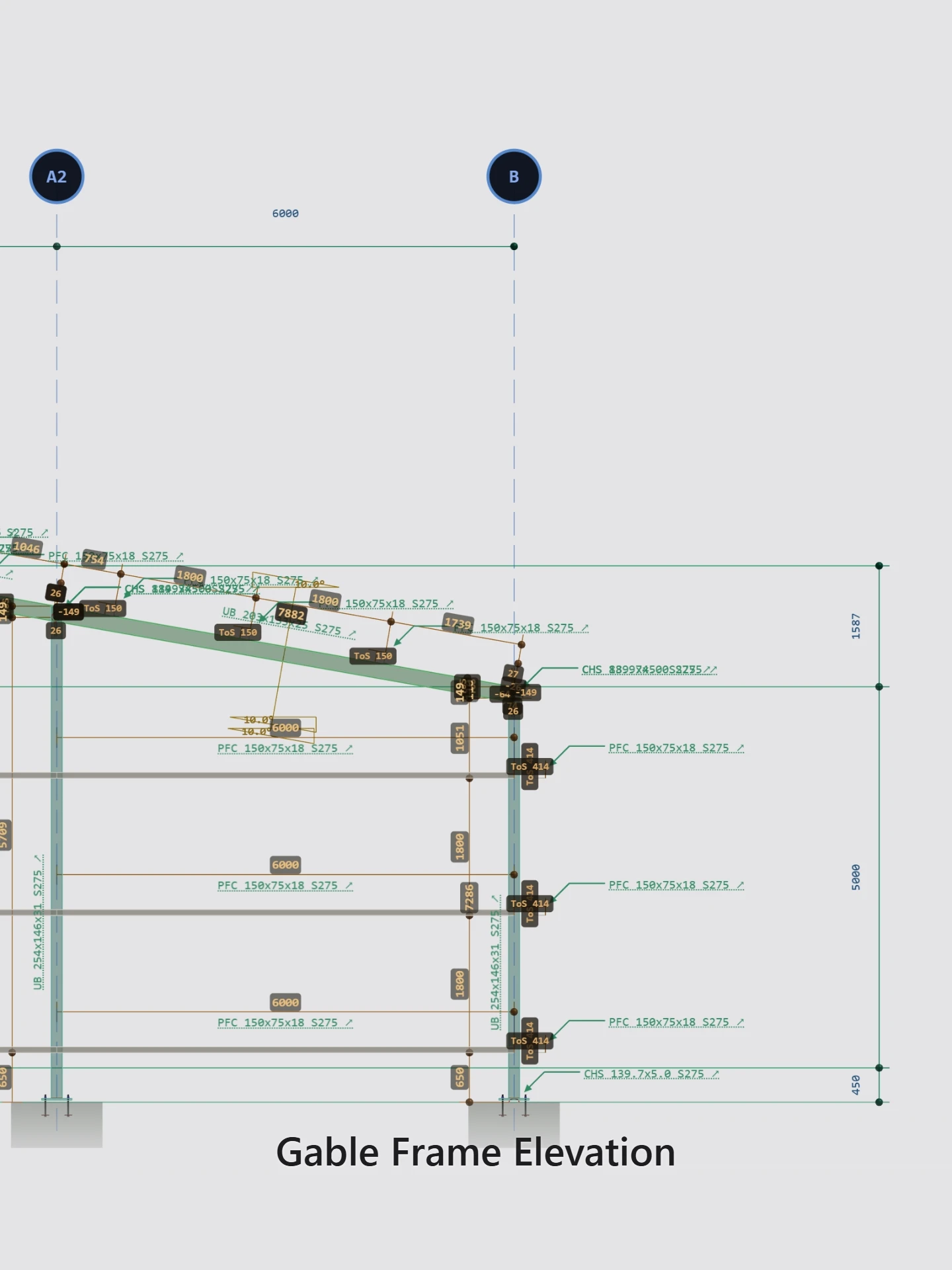
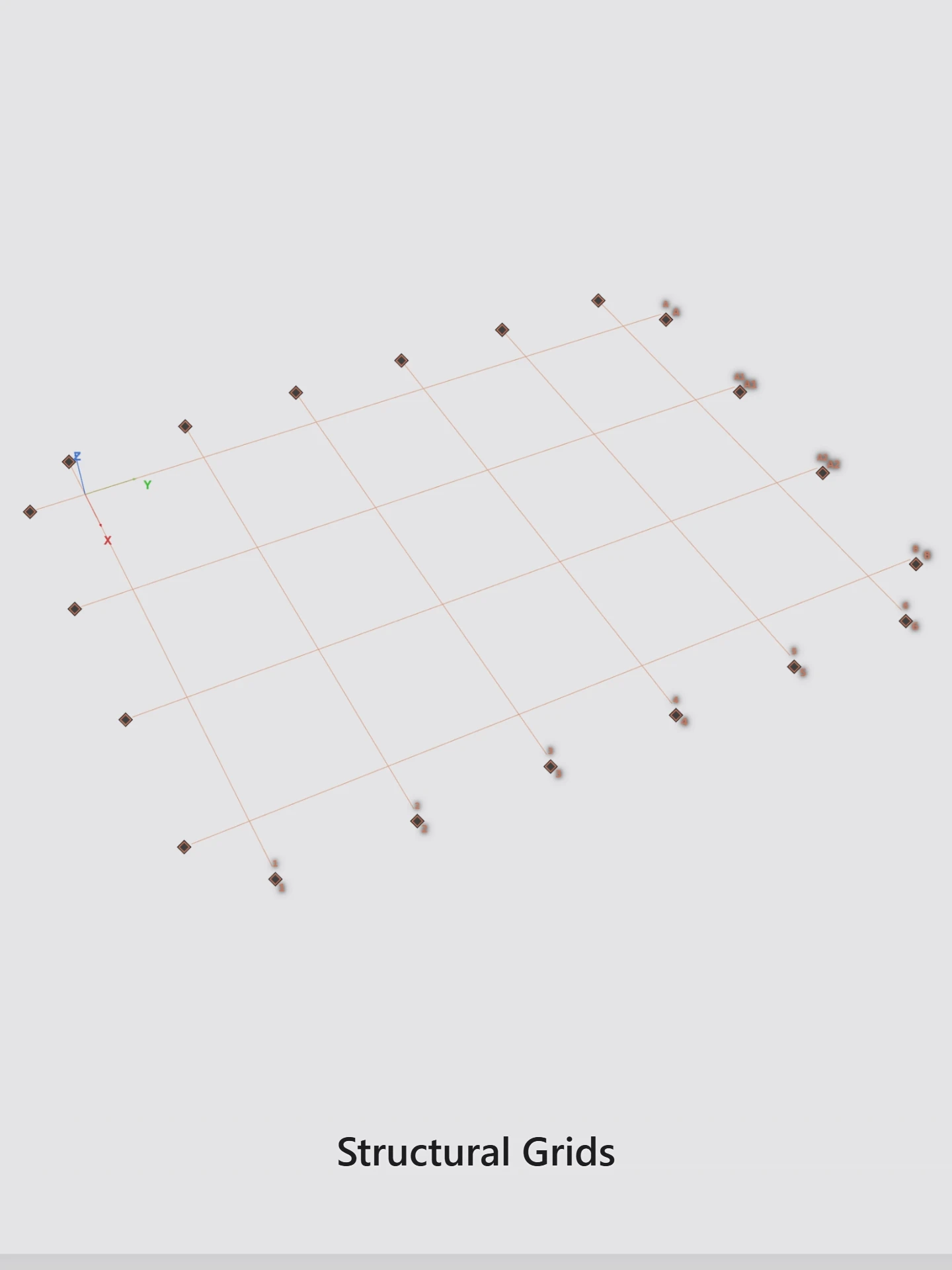
Captures From the modelling surface

The below images are captures from the modeling canvas

3D viewport

Drop a capture at /images/placeholders/viewport.webp

Connection geometry

Drop a capture at /images/placeholders/connections.webp

Fabrication drawings

Drop a capture at /images/placeholders/drawings.webp

Portal frame model

Drop a capture at /images/placeholders/portal.webp

Market focus

Built for the jobs the big packages are overkill for.

Sheds, portals, canopies, platforms, mezzanines: the everyday work of a small shop or a freelance detailer. gomodl does that work well and keeps the price within reach of people who would otherwise do without. The size limit is deliberate. It keeps the model quick in a browser tab, and if a job ever outgrows it, the model is standard IFC and goes with you.

250
members: beams, columns, rafters, bracing
1,250
parts in total, counting every plate, cleat and end plate

A fully cleated beam-and-column job averages four to five parts per member, so the two limits land in the same place. Bolts are not counted.

Where we are heading

Now

Model, detail, draw, issue

3D modelling, portal and handrail macros, connection macros, fabrication and GA drawings, NC1 output, IFC import and export, revision freezes and the AI takeoff assistant.

Next

Seats open

Solo and Workshop seats for detailers and small shops. Register interest below and we will tell you when they go live.

Then

Teams and more macros

There is a lot still to build, and it will take time: staircase, mezzanine, lean-to, truss and ladder macros, clash detection, curved and tapered members, cold-rolled and global profile libraries, more components, documentation, and shared projects with team roles.

A seat that fits the work.

Named seats for fabricators and small shops. The authoring core is ready to try. Annual includes two months free.

Full pricing & how seats work →

Annual includes two months free. Prices exclude VAT.

Early access

Register interest

Leave an email and we will tell you when seats open, with build updates as macros and drawings land.

We'll only use this to contact you about gomodl, and never sell it.

Already have an account? Sign in · Sign up

Slow down. Then go fast.

Browse public frozen models in the gallery — no account needed — or register interest if you want a seat.